1
The original Macintosh had a problem that had nothing to do with processing power: computers were intimidating. They spoke in commands and technical language, and there wasn’t much about them that felt welcoming.
Then Susan Kare gave one a smile.
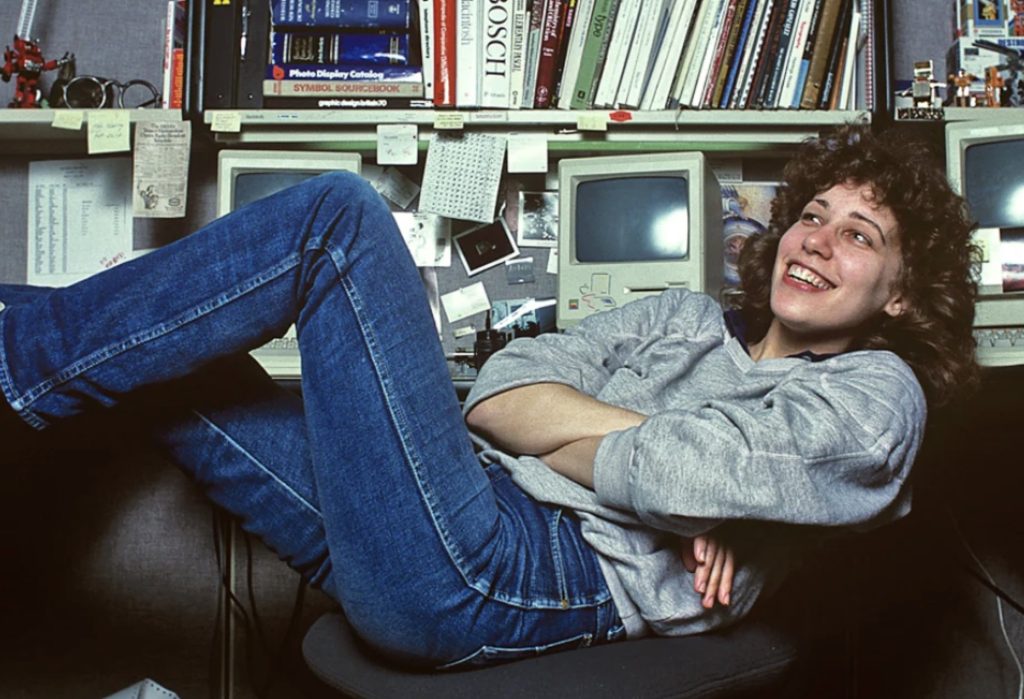
Kare joined Apple’s Macintosh project in the early 1980s to create graphics, icons and typefaces. The goal wasn’t simply to make Apple’s new computer prettier. Apple wanted ordinary people to understand what was happening on the screen without being programmers, and, as Kare later explained to MoMA, little pictures and symbols could make unfamiliar technology much easier to understand.
A Language Made From Pixels
Before she even had a Macintosh to work on, Kare experimented on graph paper, with each square representing a pixel. Macintosh icons were typically just 32 × 32 pixels, leaving remarkably little room to communicate an idea.
Apple engineer Andy Hertzfeld later built Kare an icon editor that let her turn individual pixels on and off while seeing the finished icon at its actual size. He describes the process in his first-hand history of the Macintosh project, while Kare’s original sketches are now preserved in MoMA’s collection.
Those tiny graphics helped translate computer functions into things people already understood.
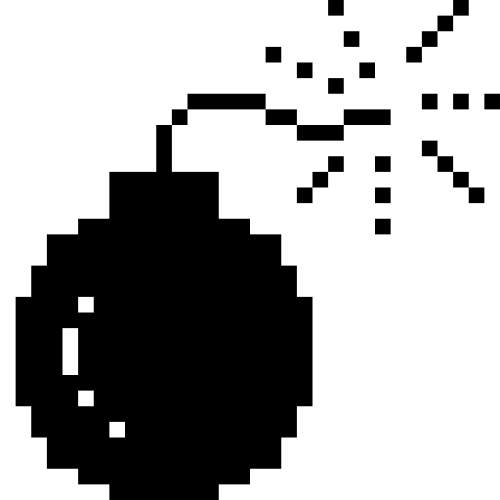
A trash can suggested deleting something. Scissors meant cut. A wristwatch meant wait. If something went seriously wrong, there was even a bomb with a burning fuse.
Not every metaphor originated with Kare—she explained in a Stanford interview that concepts such as the trash can already existed. Her contribution was also about refining these ideas, creating new ones and turning them into a coherent visual vocabulary.
She wasn’t just drawing cute pictures. She was helping a computer explain itself to humans.
Then She Made It Smile
Perhaps the best example was the smiling Macintosh displayed during startup.
Apple could have shown users a technical status message. Instead, the computer looked back at them with a friendly little face. Smithsonian’s history of Kare’s work identifies the smiling startup computer among her breakthrough Macintosh graphics.
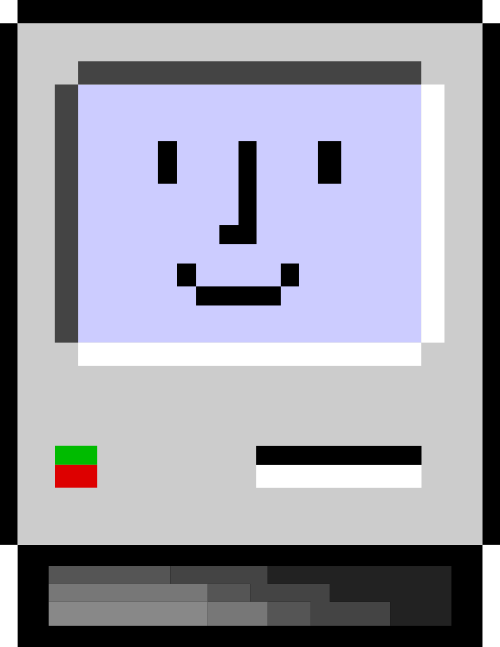
It was a tiny design decision with a surprisingly big effect. The computer wasn’t merely reporting its state anymore—it was expressing it.
A smile meant everything was okay. A bomb meant it definitely wasn’t.
That feels completely normal today. Apps celebrate when we complete something, error pages make jokes, and interfaces use illustrations and animation to make technology feel less mechanical.
Kare was doing it more than 40 years ago with a handful of black pixels.
And You Still Use One of Her Symbols
There’s another piece of Kare’s Macintosh work millions of people still see every day: ⌘
Apple originally used its own logo to identify keyboard commands in menus until Steve Jobs complained that there were Apples everywhere. Kare needed an alternative.
As she recounts in a MoMA interview, she searched a symbol dictionary and found ⌘, a looping symbol used in Sweden to identify an interesting feature or attraction. It was distinctive, friendly and easy to reproduce in pixels. Apple adopted it. More than four decades later, it’s still on Mac keyboards.
Look at the visual language we use today:
⌘ 🗑️ 💾 📄 ✂️ ⌚ 💣
Those aren’t Kare’s original icons—they’re modern Unicode characters and emoji—but that’s what makes them interesting. We still communicate with computers using many of the same visual ideas.
In 2019, Cooper Hewitt awarded Kare its National Design Award for Lifetime Achievement and described her with a phrase that’s difficult to improve upon: the artist “who gave the Macintosh a smile.”
The engineers figured out how the Macintosh should work. Susan Kare helped figure out how it should speak to us—and then she gave it a face.

5 Creative Type Foundries You Should Know About
Typography gets much more interesting once you wander beyond the familiar font libraries. These five independent foundries are producing typefaces with enough personality to completely change the character of a…
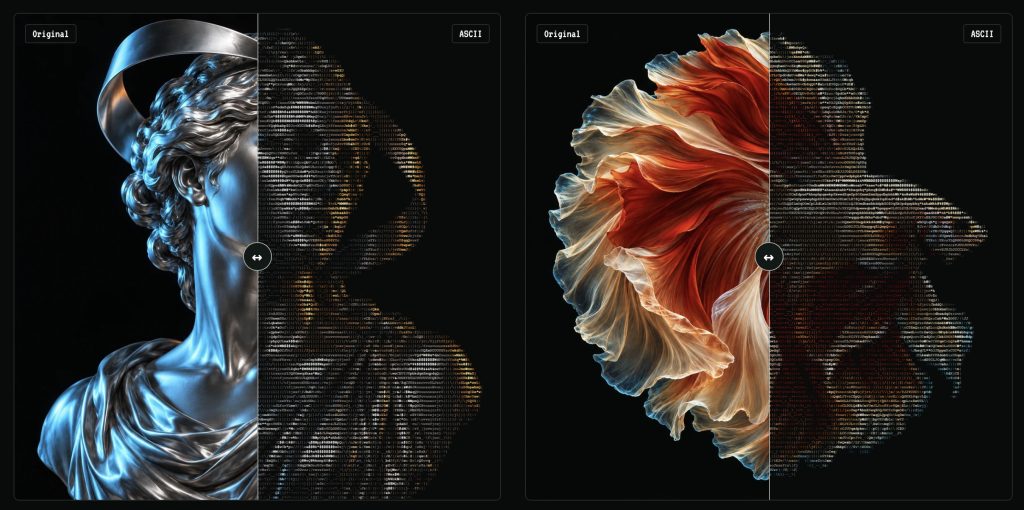
Turn Any Photo Into Retro ASCII Art in Seconds
What if your photo looked like it had escaped from a 1987 computer terminal? Image to ASCII turns JPGs, PNGs, WebPs, and GIFs into surprisingly stylish art made entirely from letters, symbols,…
Canva Just Turned Affinity Into Adobe’s Biggest Free Problem
Canva has connected Affinity, Cavalry, Flourish, and Leonardo into a new pro-creative ecosystem—and it is keeping the core Affinity and Cavalry apps free. Adobe is not about to vanish in…
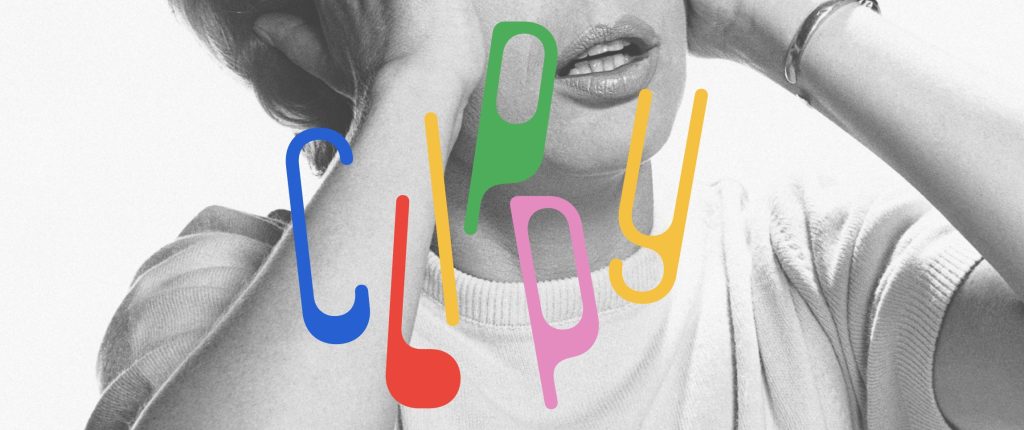
This Weird 1973 Typeface Just Came Back From the Dead
Some typefaces age gracefully. Others disappear for half a century and come back looking strangely perfect for the internet. Clippy definitely belongs in the second category. The wonderfully odd typeface…
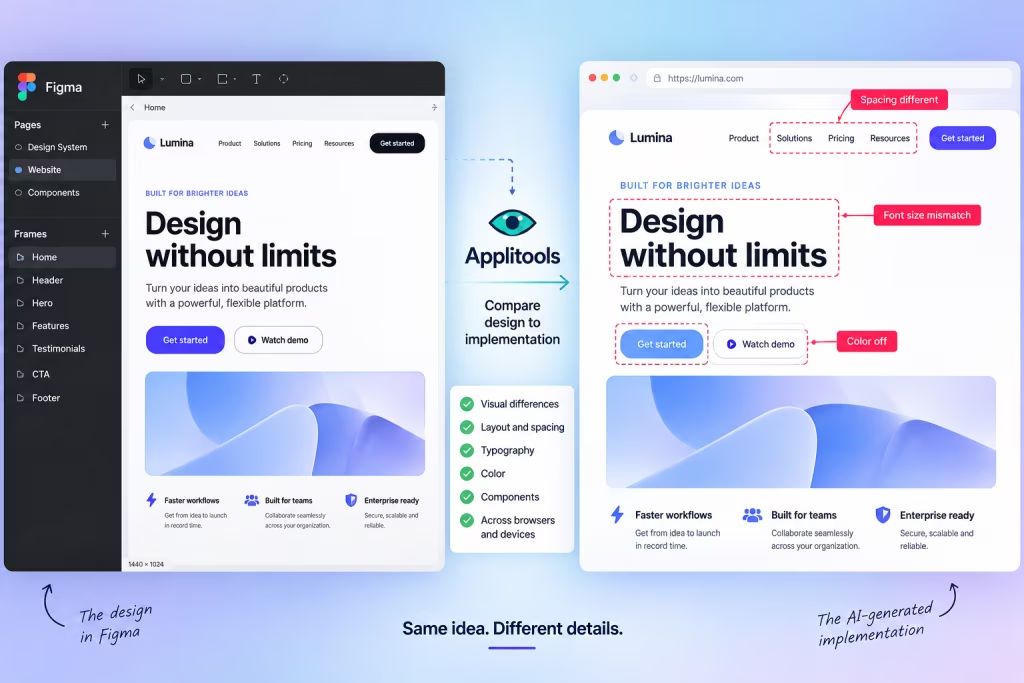
AI Can Build Your UI. Now Figma Can Tell It When It Screwed Up.
AI coding tools have become remarkably good at turning prompts into working interfaces. The awkward part comes afterward: does the thing they built actually look like the design? A new…
25 Places Designers Can Still Find Free, Non-AI Images for Commercial Use
Finding a free image used to be simple. Search Unsplash, download something tasteful, and move on with your life. Now there’s another question: Was this thing actually photographed? AI-generated imagery is…