1
For years, most designers looking to extend Figma followed a familiar software ritual: you had a problem, searched for a plugin, installed it, and hoped somebody had already built exactly what you needed.
Figma is starting to flip that idea on its head.
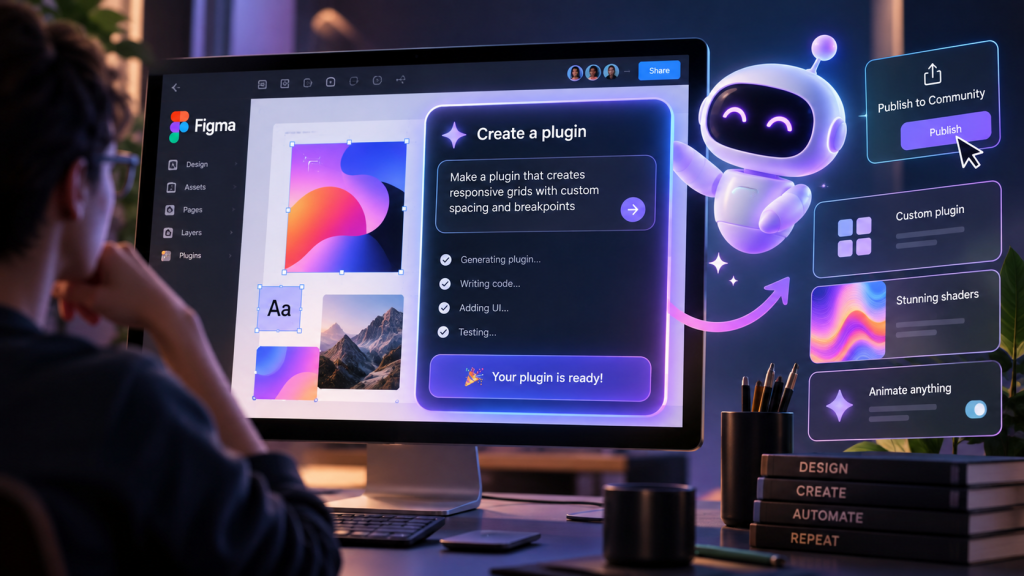
Instead of searching for a plugin, designers can now describe the tool they want and have the Figma agent build a fully coded plugin. Figma says you don’t need to understand code or technical terminology—the agent writes the code, and you can test the result and continue prompting it to refine what it created.
This isn’t limited to novelty effects. Figma gives examples including plugins that bulk-restyle icons, generate type ramps, create skeleton screens, batch-rename layers, and even check files for broken prototype flows.
That’s already interesting. But the bigger idea is what happens when designers can create tiny pieces of software for problems that previously weren’t worth building a plugin for.
Your AI-Made Plugin Can Become Everyone’s Plugin
Once you’ve made something useful, Figma lets you publish a generative plugin to its Community, where other designers can discover and use it. Generative plugins can also be shared privately within an organization.
That’s a surprisingly important shift.
Traditional plugin ecosystems depend on someone deciding a problem is important enough to justify designing, coding, and maintaining a tool. AI lowers the initial coding barrier dramatically. A designer can potentially make something for an incredibly specific problem and then discover that thousands of other people have exactly the same problem.
In other words, the next useful Figma plugin could start as something one designer casually asked AI to make on a Tuesday afternoon.
And Then There Are the Shaders
Figma is applying the same idea to visual effects. Using its AI shader generator, you can describe an effect and have the agent build the underlying shader without needing to understand shader programming.
These aren’t limited to static gradients. Figma documents shader fills for things like procedural marble, fire, and water, alongside effects including distortion, grain, pixelation, and dithering. Shaders can also be animated or interactive, including effects triggered when someone hovers over a layer.
And this isn’t completely locked inside an AI black box. Designers can inspect the code behind shaders they have access to and generative plugins they create themselves, making it easier to understand how they work, troubleshoot problems, and develop them further.
Figma also allows shaders to be exported through MCP into Figma Make for use in a live coded prototype, although Figma notes that exported instances don’t currently remain connected to the original shader.
That’s where this starts feeling less like another AI feature and more like a change in how we use creative software.
You’re not simply using Figma anymore. You’re modifying what Figma can do while you’re using it.
So What Happens to the Plugin Store?
This part is a prediction, not something Figma says is happening.
If AI-generated tools become reliable enough, designers may eventually spend less time searching through plugin marketplaces for something that’s almost right. Why search through 30 plugins when you can say, “Build me one that does exactly this”?
But we’re not there yet.
Both generative plugins and generative shaders are currently in open beta, and Figma explicitly warns that features may change and performance issues can occur. It recommends thoroughly testing generated tools.
Classic plugins also retain some important advantages. They can offer greater control over their code, support third-party API calls, and provide fully customized interfaces, while generative plugins currently use Figma’s native PropsKit interface and have additional limitations.
Figma also says it doesn’t expect generative plugins to change usage of existing classic plugins, and generative plugins can’t currently be monetized.
So the plugin store isn’t disappearing tomorrow.
But the underlying idea is fascinating: AI isn’t merely being added as another button in the design toolbar.
It’s beginning to generate the toolbar itself.
And if that model works, the future of creative software may not be thousands of features waiting inside enormous menus.
It may simply ask:
What tool do you need right now?


“Is Web Development Still Worth Learning in 2026?” Reddit Had Opinions
A 17-year-old asked Reddit whether web development is still worth learning if the goal is to make money in 2026. The answers ranged from smart career advice to “AI remediation,”…

Traditional Web Development is Dead…(and Honestly? Good Riddance.)
Every few years, the tech world loves to throw a massive pity party and declare something “dead.” Flash is dead. PHP is dead. SEO is dead. Usually, it’s just pure…
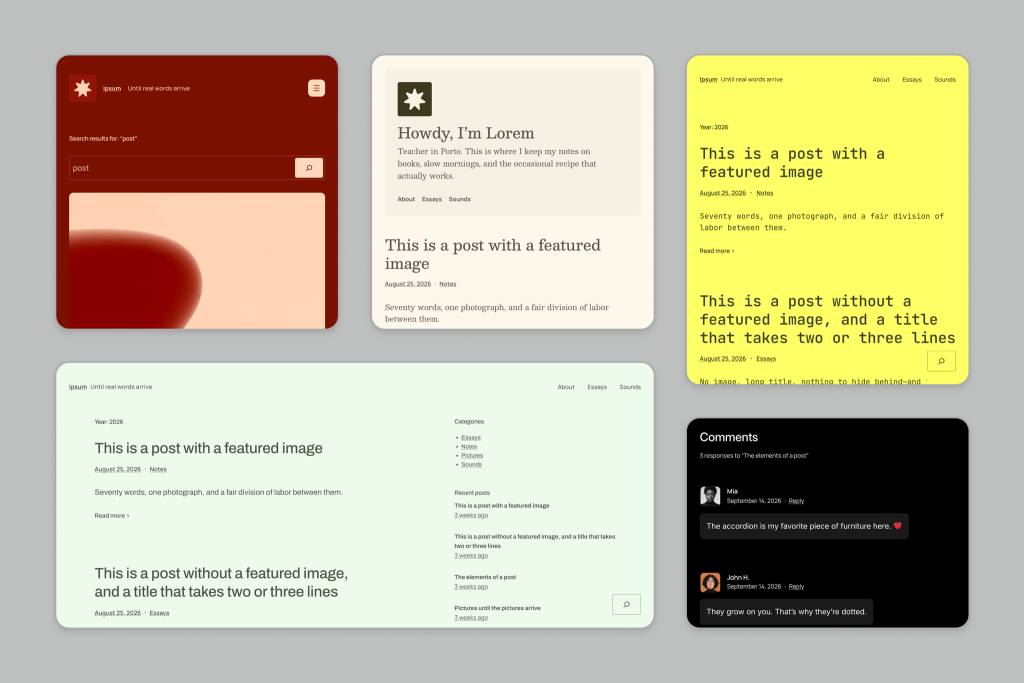
Today, WordPress Ended a 16-Year Tradition… Meet Ipsum!
WordPress just broke one of its longest-running traditions. Today, the WordPress team unveiled Ipsum, the proposed new default theme for WordPress 7.2. But the biggest news isn’t really Ipsum itself. WordPress…

TikTok Is Quietly Putting Web Apps Inside Its App
TikTok is already where millions of people go to watch videos. But buried inside its developer documentation is something considerably more interesting for web designers: TikTok has built a framework…

Figma is the New Dreamweaver: How Modern Prototyping Tools are Trapping Us in 2018
Look, I love Figma. If you’re anything like me, you probably spend eight hours a day inside it, neatly organizing your component variants, color tokens, and beautifully nested frames. It’s…

The 2-Second Rule: How to make your website feel like magic in 2026
In the digital landscape of 2026, we have reached a fascinating crossroads. For years, we treated web performance as a technical chore—something for the developers to fix in the basement…