Take Control of WordPress with New Elementor Pro 2.0
Elementor 2.0 is an innovative approach to site building in WordPress that lets you customize any part of your site, with absolutely zero coding knowledge. A plugin rather than a theme, this flexible approach means that you can use Elementor 2.0 to manage your site design, and unlike some WordPress site builders, you won’t be […]
Elementor 2.0 is an innovative approach to site building in WordPress that lets you customize any part of your site, with absolutely zero coding knowledge.
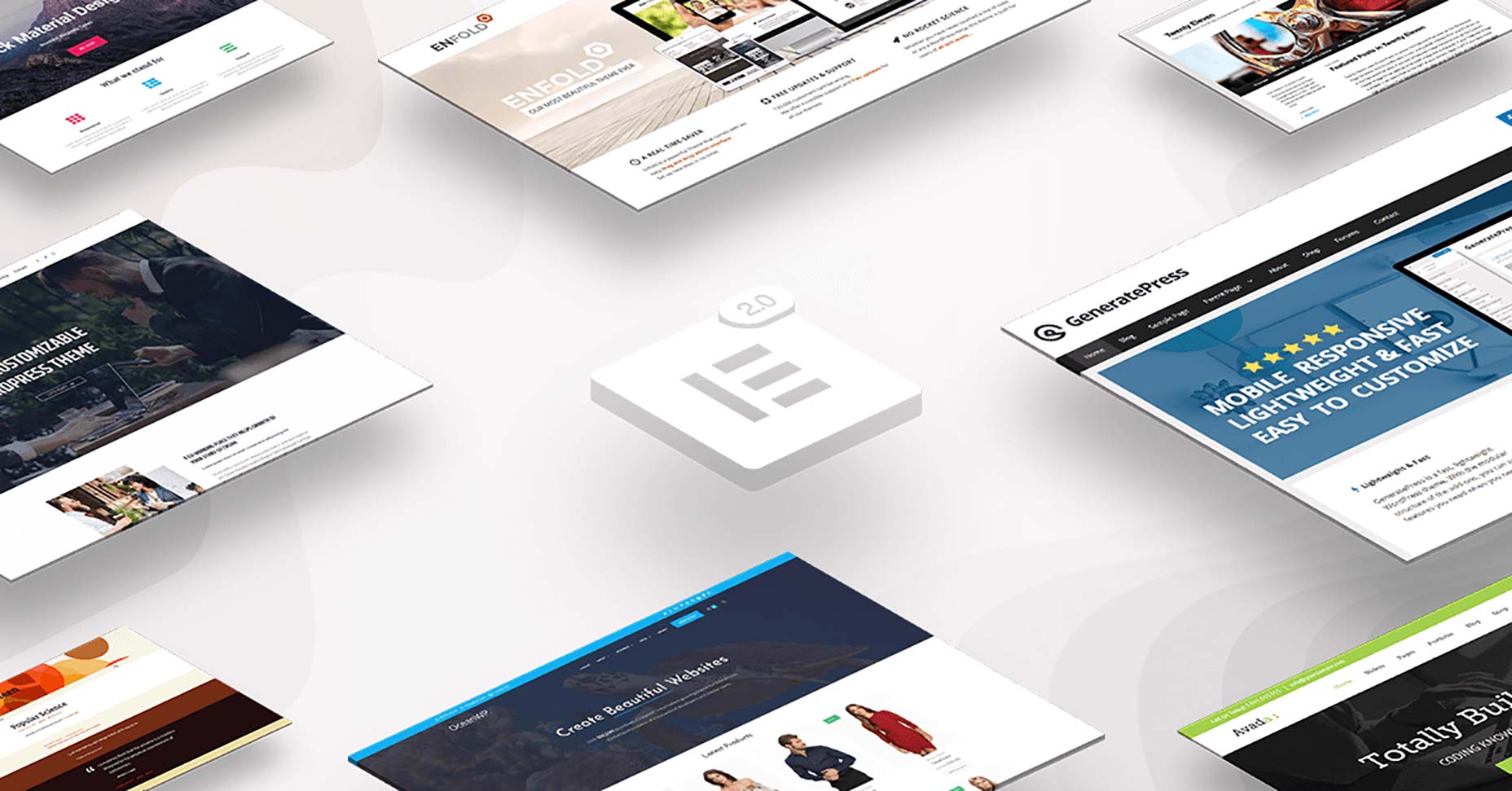
A plugin rather than a theme, this flexible approach means that you can use Elementor 2.0 to manage your site design, and unlike some WordPress site builders, you won’t be tied to a particular theme; Elementor 2.0 works with almost any WordPress theme from any vendor, as well as custom themes.
Build everything on your WordPress site exactly as you want it, without having to switch themes to find the right functionality, or pay a developer’s fees to personalize your template.
A Comprehensive Site Builder
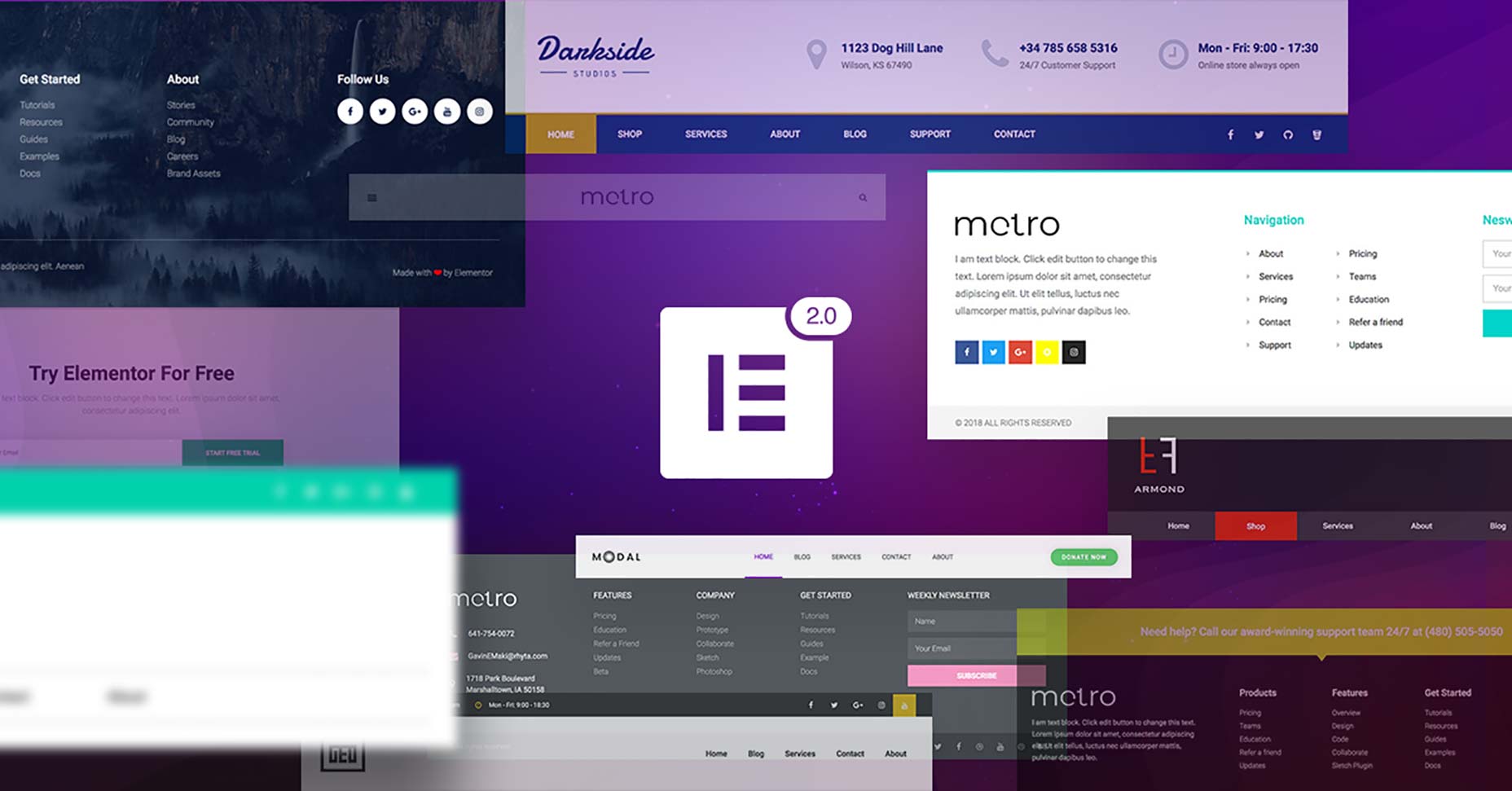
There are dozens of different theme builders that will allow you to change the layout of your static content, but they nearly all tie you to fundamental elements of the theme, such as the header, or footer. Elementor 2.0 is designed to free you from that restriction by enabling the customization of those hard-to-change elements such as your header.
Using intuitive tools that enable you to build your site in a familiar WYSIWYG style, Elementor 2.0 is one of the simplest ways to make these changes, all the while confident that the code underpinning your design is robust and properly implemented.
All of this functionality was available before, but reserved for those coders who knew how to drill into the WordPress codebase. Elementor 2.0 puts the power to customize your site in your hands.
Intuitive Workflow
Elementor 2.0 has been crafted for speed. To make changes, simply install the plugin and you’ll find the Elementor option added to your dashboard menu, and you can now create new templates at will. Everything works instantly, giving you control of your site in a few clicks.
To speed up the editing process Elementor 2.0 features theme element widgets, such as an author box, a site logo, or a featured image; these and other elements can be combined to rapidly develop real-world WordPress solutions. To build templates, either start with one of the pre-designed options and customize it to suit your site, or build entirely from scratch.
All of Elementor 2.0’s code is fully responsive, meaning that you can create a design and be confident that it will look exactly as you intend on any device. You can even create premium features like a sticky header—an essential component of modern UX—so that your menu will follow users up and down the screen as they scroll.
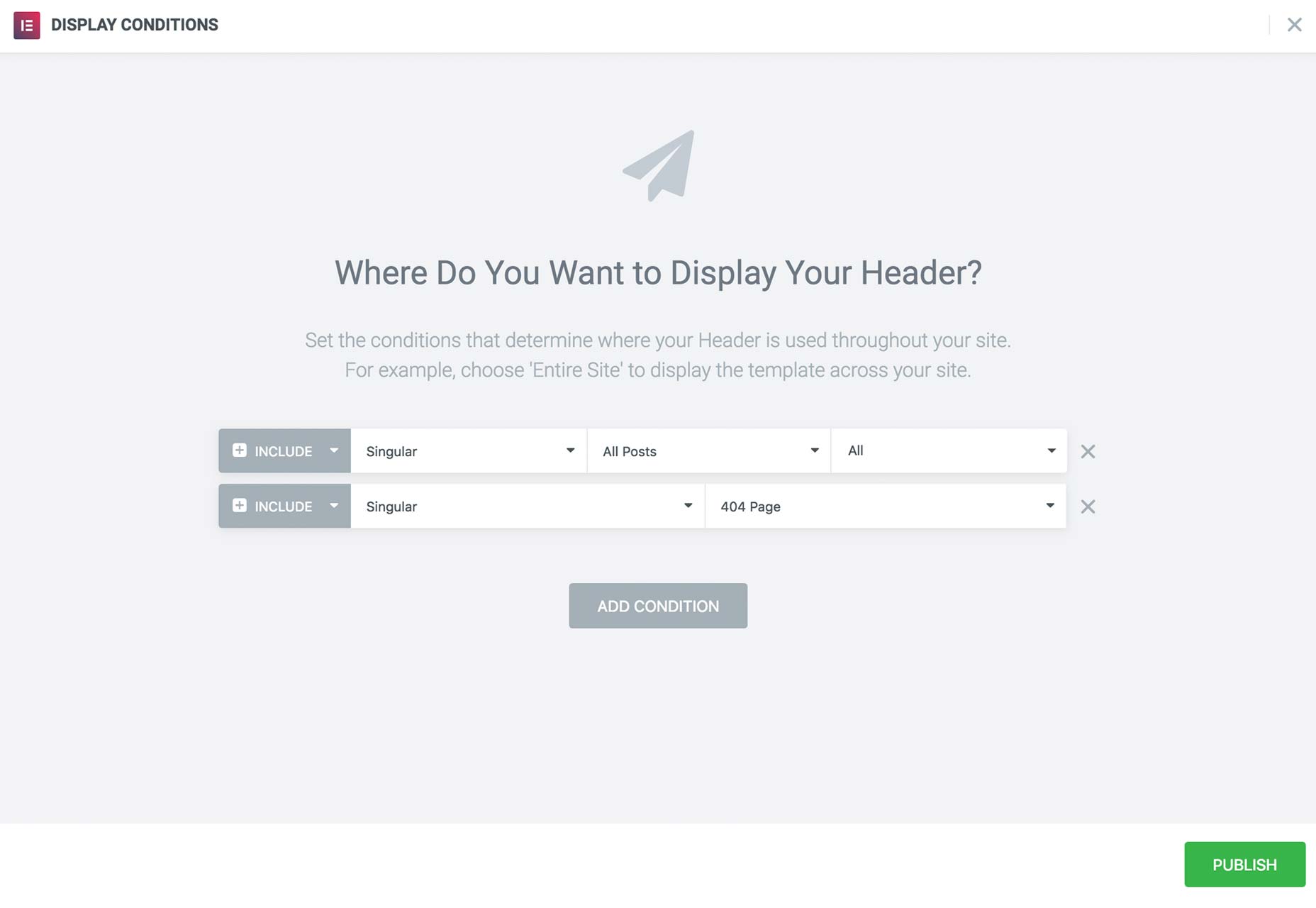
To see your design live, all you have to do it click the ‘publish’ button and choose the conditions under which your new element should appear.
Conditional Elements
One of the features of Elementor 2.0 that we like the most is the conditional option: Once you’ve finished designing an element for your site, you can choose the conditions under which it will be displayed.
Let’s say for example that you want to design two headers: one for your main site, and one for your blog; Elementor 2.0 allows you to create them both and set them so that they will appear on the right pages; even when you’re creating repetitive UI elements you can apply them intelligently.
Create different footers for your site and blog, or a unique footer for your contact page, or even different designs for personal blog posts and professional blog posts. The biggest benefit to conditional elements is that you retain control of what elements appear when.
Design Dynamic Content
Many pages on your site, your home page for example, are static pages. Your blog posts however—the part of your site that WordPress really excels at creating—are dynamic. Dynamic pages pull content in from your database, so you can’t always be sure what that content will be.
The challenge this creates is that while static pages can easily be previewed in your WordPress dashboard, dynamic pages cannot, and each dynamic post could significantly affect your design. Elementor 2.0 solves this issue with an innovative preview option that really should be built into the WordPress core: With Elementor 2.0 you can choose which post content to preview a page with, giving you an unprecedented overview of your design right in the dashboard.
As well as elegantly handling static pages and dynamic posts, Elementor 2.0 allows you to create archives like category pages and search results, even a custom 404 error page; all the control you need to manage a modern WordPress site.
Conclusion
You shouldn’t have to choose between the freedom to switch themes and the ability to modify your site; with Elementor 2.0 you don’t have to.
Fresh to the market, Elementor 2.0 is a significant advancement in the control WordPress developers have, enabling them to edit almost any theme with ease, and with absolutely zero coding knowledge.
Not only is Elementor 2.0 a boost to creativity, but it’s a boon to timetables too. Delivering site-wide changes in a fraction of the time it would take to hand-code them could give you the competitive edge you need.
With a unique visual approach to theme building, Elementor 2.0 opens up new possibilities for WordPress professionals.
[– This is a sponsored post on behalf of Elementor –]
WDD staff are proud to be able to bring you this daily blog about web design and development. If there's something you think we should be talking about let us know @DesignerDepot.
Best design tools and resources are those that can lay claim to characteristics that typically include ease of use and related workflow characteristics, future-readiness, easy integration with supporting tools or…
Black Friday 2025 is more than just slashed prices—it’s a chance for web designers and agencies to level up workflows with smarter tools and bolder ideas. From wireframes and prototypes…
Designers understand the importance of pushing boundaries while keeping user experience at the forefront. Yet, not every creative idea is easy to implement through a theme alone—or even with solid…
Let’s be honest—there’s no shortage of WordPress themes that look good on the surface. But when it comes to keeping pace with evolving design standards, performance expectations, and user behavior,…
Let’s be real—our lives are so intertwined with the digital world these days. Whether we’re shopping for the latest gadget, managing our bank accounts, or even just catching up with…
Gone are the days when “pretty pictures” alone could ensure visitor engagement. If your site isn’t responsive, practical, and easy to work with, users will quickly bounce. As a result,…