Gain Greater User Insight with Hotjar’s Incoming Feedback
It doesn’t matter how great a designer you are, without feedback from your visitors, anything you design will only ever be an educated guess. Great feedback enables you to design real solutions to actual problems in an iterative fashion. It goes without saying that the better your feedback, the better the design that results from […]
It doesn’t matter how great a designer you are, without feedback from your visitors, anything you design will only ever be an educated guess. Great feedback enables you to design real solutions to actual problems in an iterative fashion.
It goes without saying that the better your feedback, the better the design that results from it. That’s why over 200,000 companies, from startups to Fortune 500 companies, use Hotjar to grab feedback from users.
Hotjar’s latest innovation is Incoming Feedback. Incoming Feedback delivers instant visual feedback for your website, or app; it helps you develop a better user experience, by revealing what your users love, and hate.
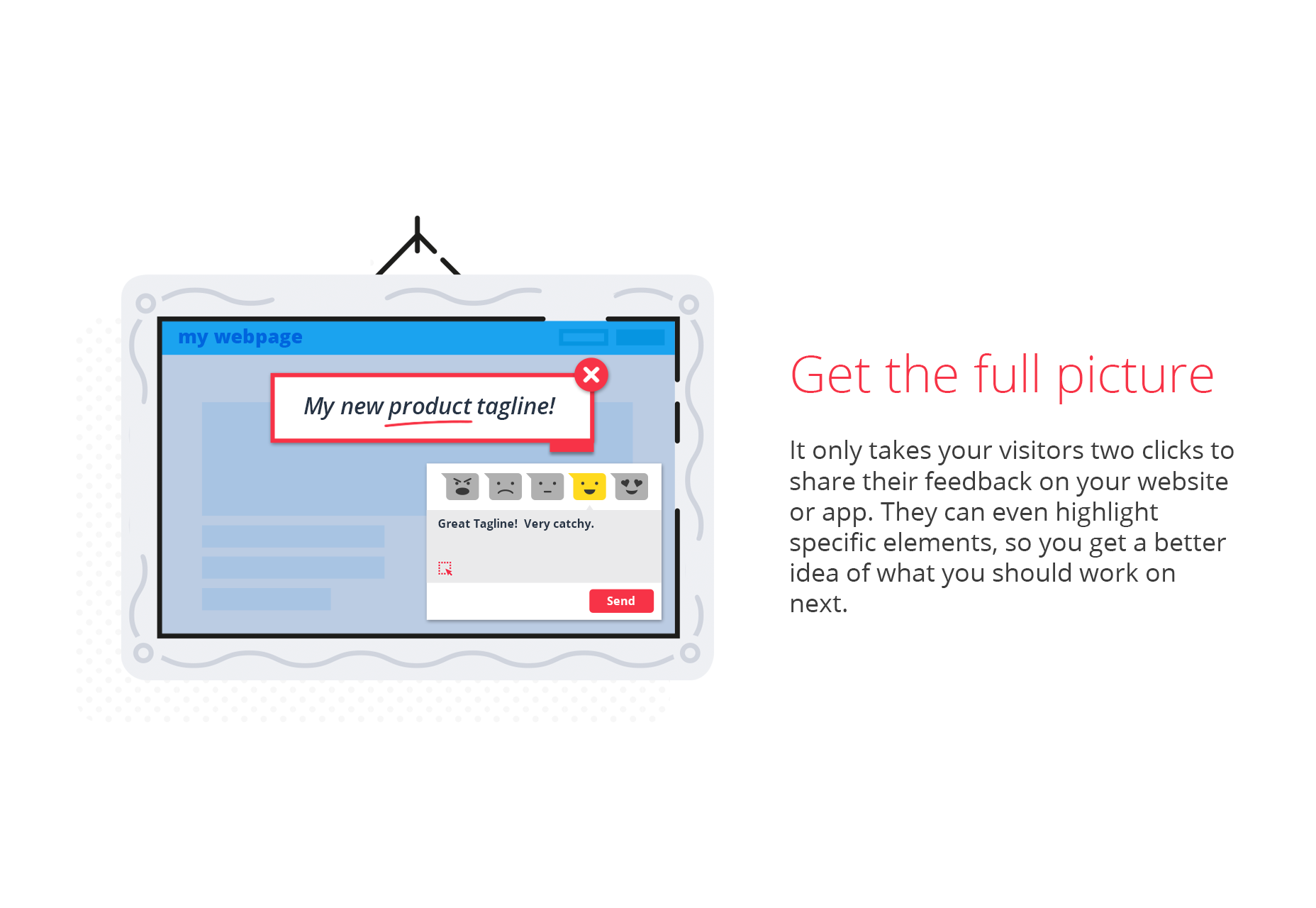
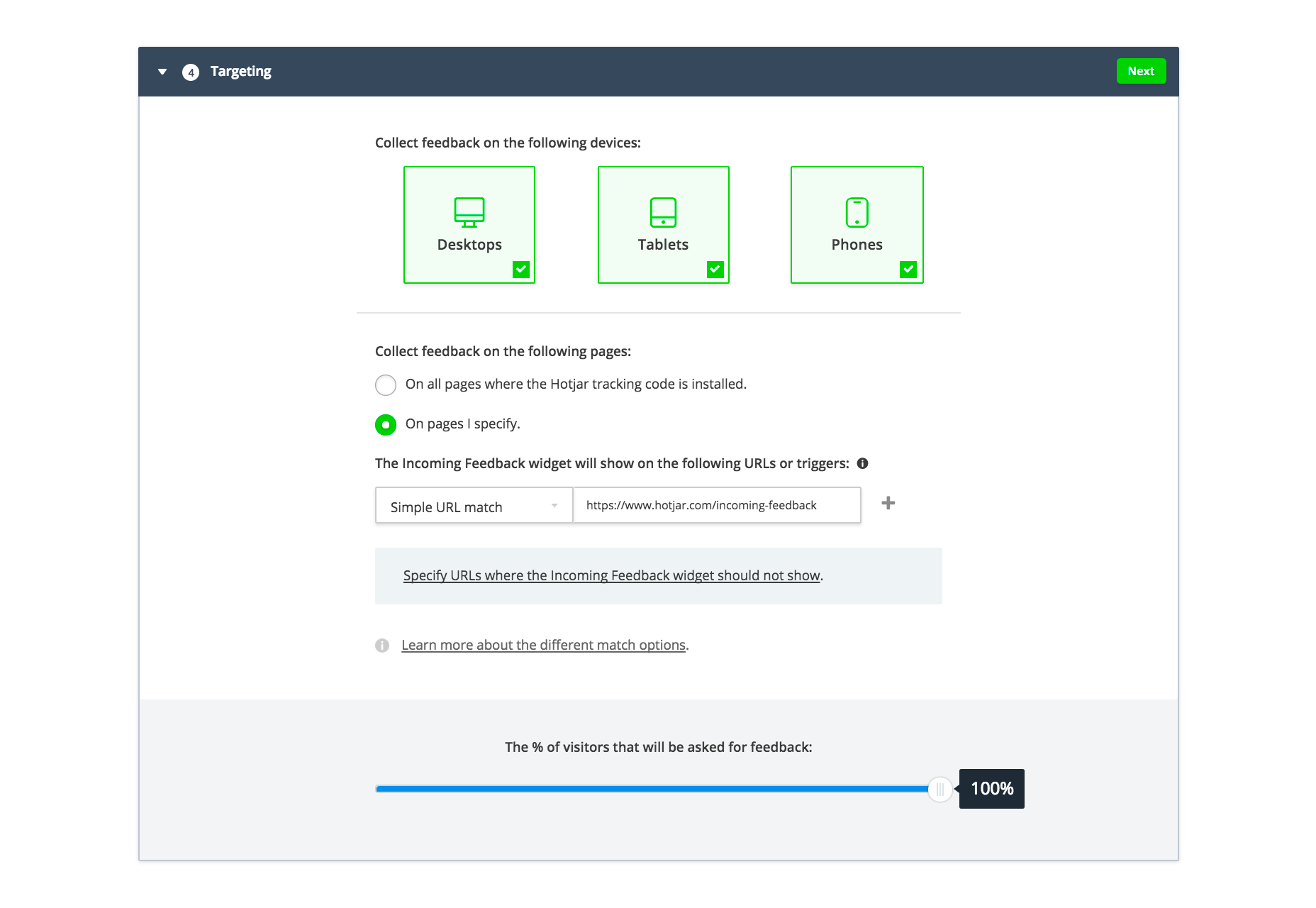
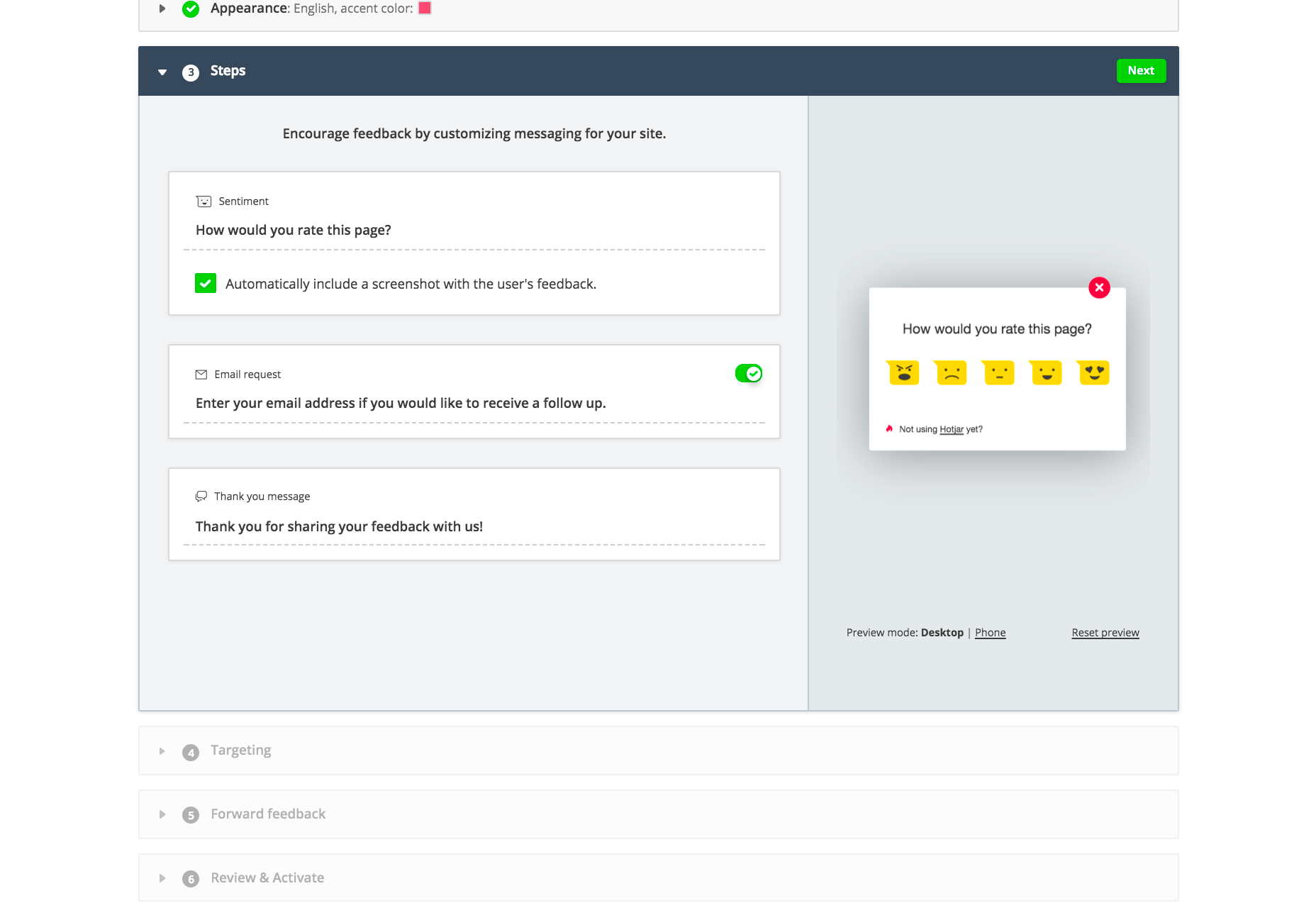
Incoming Feedback sits like a tab at the edge of your screen. You can customise the position, color, flow, and message of the widget in your Hotjar settings. When a user clicks to submit feedback a pop-up appears allowing them to choose from five options: hate, dislike, neutral, like, and love. Once the user has picked an option, they can then choose to add a comment about their experience.
One of the best features is that when a user is submitting feedback, they can use the optional area selection tool to highlight an element on your page; you’ll know exactly what content they’re loving or hating.
Incoming Feedback allows your visitors to send you feedback in just 2 clicks, with the optional screen shot for context. The ease of sharing their feelings significantly increases the chance of users doing so—yes, they could email you, but most disgruntled users would rather bad mouth you on social media—incoming feedback means that not only will the feedback get to you, but only you will get it.
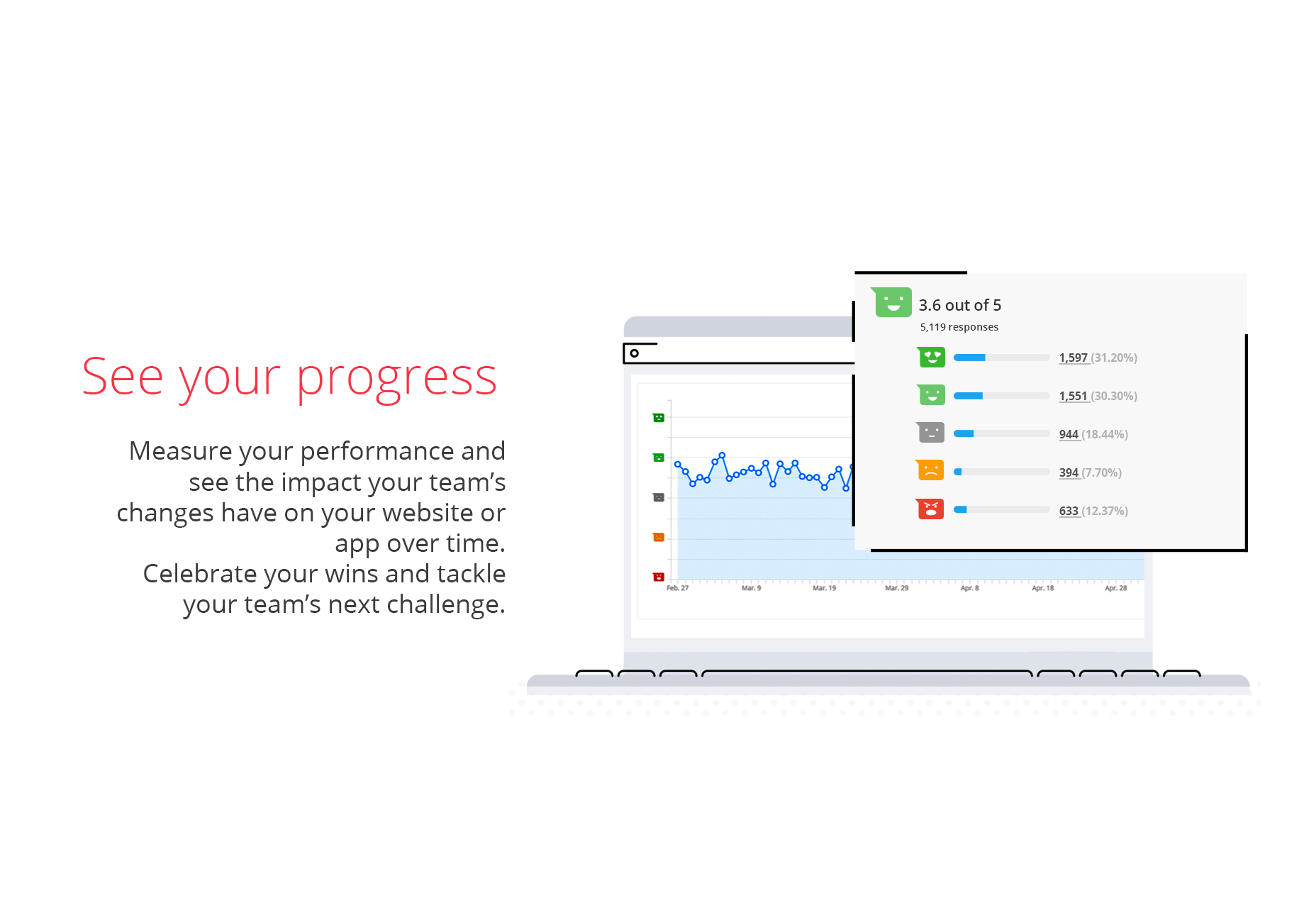
For greater insights, you can combine Incoming Feedback with Hotjar Session Recordings, or Hotjar Polls so you can understand user feedback in the context of their personal journeys. Performance tracking lets you analyse your progress over time, celebrate your victories, and uncover where you have room for improvement. Tracking progress across your entire site helps you monitor your whole output, and identify opportunities for growth.
So far, over 2.4 million people have shared feedback via Incoming Feedback with household names from Nintendo, to Microsoft, to Intuit. You can join them by signing up for a Hotjar account today.
[– This is a sponsored post on behalf of Hotjar –]
WDD staff are proud to be able to bring you this daily blog about web design and development. If there's something you think we should be talking about let us know @DesignerDepot.
Best design tools and resources are those that can lay claim to characteristics that typically include ease of use and related workflow characteristics, future-readiness, easy integration with supporting tools or…
Black Friday 2025 is more than just slashed prices—it’s a chance for web designers and agencies to level up workflows with smarter tools and bolder ideas. From wireframes and prototypes…
Designers understand the importance of pushing boundaries while keeping user experience at the forefront. Yet, not every creative idea is easy to implement through a theme alone—or even with solid…
Let’s be honest—there’s no shortage of WordPress themes that look good on the surface. But when it comes to keeping pace with evolving design standards, performance expectations, and user behavior,…
Let’s be real—our lives are so intertwined with the digital world these days. Whether we’re shopping for the latest gadget, managing our bank accounts, or even just catching up with…
Gone are the days when “pretty pictures” alone could ensure visitor engagement. If your site isn’t responsive, practical, and easy to work with, users will quickly bounce. As a result,…