Deal of the week: Learn to build a flat responsive website from scratch
Whoever you are, and however you choose to work, there’s one skill that’s imperative for any web designer and that’s knowing how to build a responsive website. Even designers who outsource their code need to understand exactly how the process works. With the steady growth of mobile and the practical realities of deploying multiple sites, […]
Whoever you are, and however you choose to work, there’s one skill that’s imperative for any web designer and that’s knowing how to build a responsive website. Even designers who outsource their code need to understand exactly how the process works.
With the steady growth of mobile and the practical realities of deploying multiple sites, any web designer that isn’t building responsive websites won’t be a web designer for long.
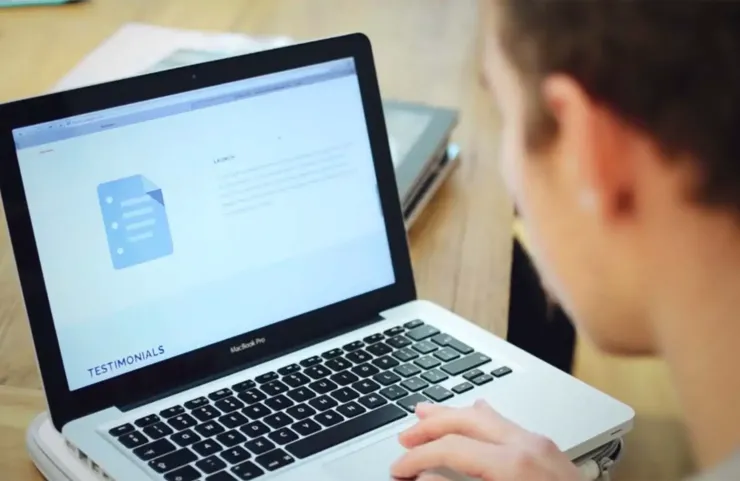
The step-by-step course will teach you to build a flat, responsive site in 54 lectures totaling over seven hours of content. Learn at your own pace and re-watch the tutorials as often as you like.
This fantastic guide is ideal for beginners and pros alike, beginning with core wireframing concepts you’ll be guided through Photoshop, grid systems, and HTML & CSS. Leaving you with the knowledge to deploy client sites to a full range of devices, from desktop to tablet and smartphone.
I have some basic Photoshop, HTML, and CSS skills but these lectures added so much more. One of the best features of the course is the progression from a wire frame layout to completed webpage – step by step, design to code. I’m looking forward to creating some responsive websites and exploring flat design. Many resources are provided with links to handy tools for developers. It’s also great to be able to download lecture pdfs and video for viewing offline. – Sue Bell
This course fit right in with my current level of web development skills. It taught me a good thought process for tackling the project from start to finish. For me, I prefer to code relatively from scratch rather than use themes or templates (as I find them too restrictive or find them more difficult to learn) and this course teaches you just that. From mind, to paper, to photoshop, to web, seamlessly! I recommend this course to anyone wanting to learn how the pros do it right. – Mathieu Leclerc
I still can’t believe I built my own website. I’ve purchased books and watched videos on how to create websites, since I consider myself a complete beginner. Unfortunately never got anywhere, either because it wasn’t well explained, presented or had outdated lessons. Now, this course I admit, was longer than I expected, but at least by sticking through I can proudly say I have built my own flat responsive website. – Ri Jimmy
WDD staff are proud to be able to bring you this daily blog about web design and development. If there's something you think we should be talking about let us know @DesignerDepot.
Best design tools and resources are those that can lay claim to characteristics that typically include ease of use and related workflow characteristics, future-readiness, easy integration with supporting tools or…
Black Friday 2025 is more than just slashed prices—it’s a chance for web designers and agencies to level up workflows with smarter tools and bolder ideas. From wireframes and prototypes…
Designers understand the importance of pushing boundaries while keeping user experience at the forefront. Yet, not every creative idea is easy to implement through a theme alone—or even with solid…
Let’s be honest—there’s no shortage of WordPress themes that look good on the surface. But when it comes to keeping pace with evolving design standards, performance expectations, and user behavior,…
Let’s be real—our lives are so intertwined with the digital world these days. Whether we’re shopping for the latest gadget, managing our bank accounts, or even just catching up with…
Gone are the days when “pretty pictures” alone could ensure visitor engagement. If your site isn’t responsive, practical, and easy to work with, users will quickly bounce. As a result,…